
Bridge the Gap
with a Tap
Welcome to Ingeniosus
From graceful strokes
to intuitive swipes.
We make smartphones simple, safe, and joyful for you.
Welcome to a new kind of digital experience: graceful, inclusive, and ingeniously simple.

From Pen to Screen
Bridge the Gap, with a Tap
For adults that are used to writing on paper and familiar with simpler devices, the change to smartphones may prove to be quite difficult.
Calligraphy fosters patience and mindfulness, while touchscreen use emphasizes efficiency and navigation.
One teaches graceful control; the other prioritizes functional interaction.
Seniors often expect tactile precision from their past learning, like calligraphy, making fast, tap-based touchscreens feel rushed or imprecise.
Install the Ingeniosus App
Add Ingeniosus to your phone in seconds
Ingeniosus works like an app you don’t need to download from an app store.
Just add it to your home screen and open it anytime with one tap.
See at the top of your screen the white phone symbol with an arrow pointing down inside a floating black circle.
It stays visible as you scroll.
This icon means you can install Ingeniosus like an app.
With these simple steps install the basics. Or you may want to review the videos below to find more features.
-
If you don’t see the floating install button - a black circle with a white phone symbol with arrow pointing down:
Open Safari
Visit ingeniosus.us
Tap the Share button (⬆️)
Tap “Add to Home Screen”
Tap Add
-
If you don’t see the install button:
Open Chrome
Visit ingeniosus.us
Tap the menu (⋮)
Tap “Install app” or “Add to Home screen”
Tap Install
Your Phone’s Visual Language: Learning Through Intuition
Understanding Your Phone Through Its Icons and Symbols

Start your journey by choosing your phone type.
↓

Get our Free Guide for Beginners!
Learn to call, text, take photos, and use your phone with confidence. To get your guide, simply use the fields to enter your email, the PDF will appear instantly as soon as you sign up.
No tech experience needed!
Get Started With Personalized Tech Support
Sharing your information allows us to offer support that truly fits your needs.
We never share your data. It’s only used to personalize your tutorials.
To help us create tutorials that match your comfort level, we’ll ask for a few simple details: your name, contact information, the type of device you use, and any accessibility preferences.
This information helps us tailor the guidance to your needs so you can learn at a pace that feels comfortable and supportive.
Let’s Get Comfortable
Smartphone Symbols – What Do They Mean?
Your phone is full of little symbols that tell you what’s happening.
Some show notifications, others show settings or connectivity.
Let’s see how well you know them! Don’t worry - it’s all part of learning. You may want to review our Video Tutorials, before or after you take this Quiz.

Latest from the Learning Center
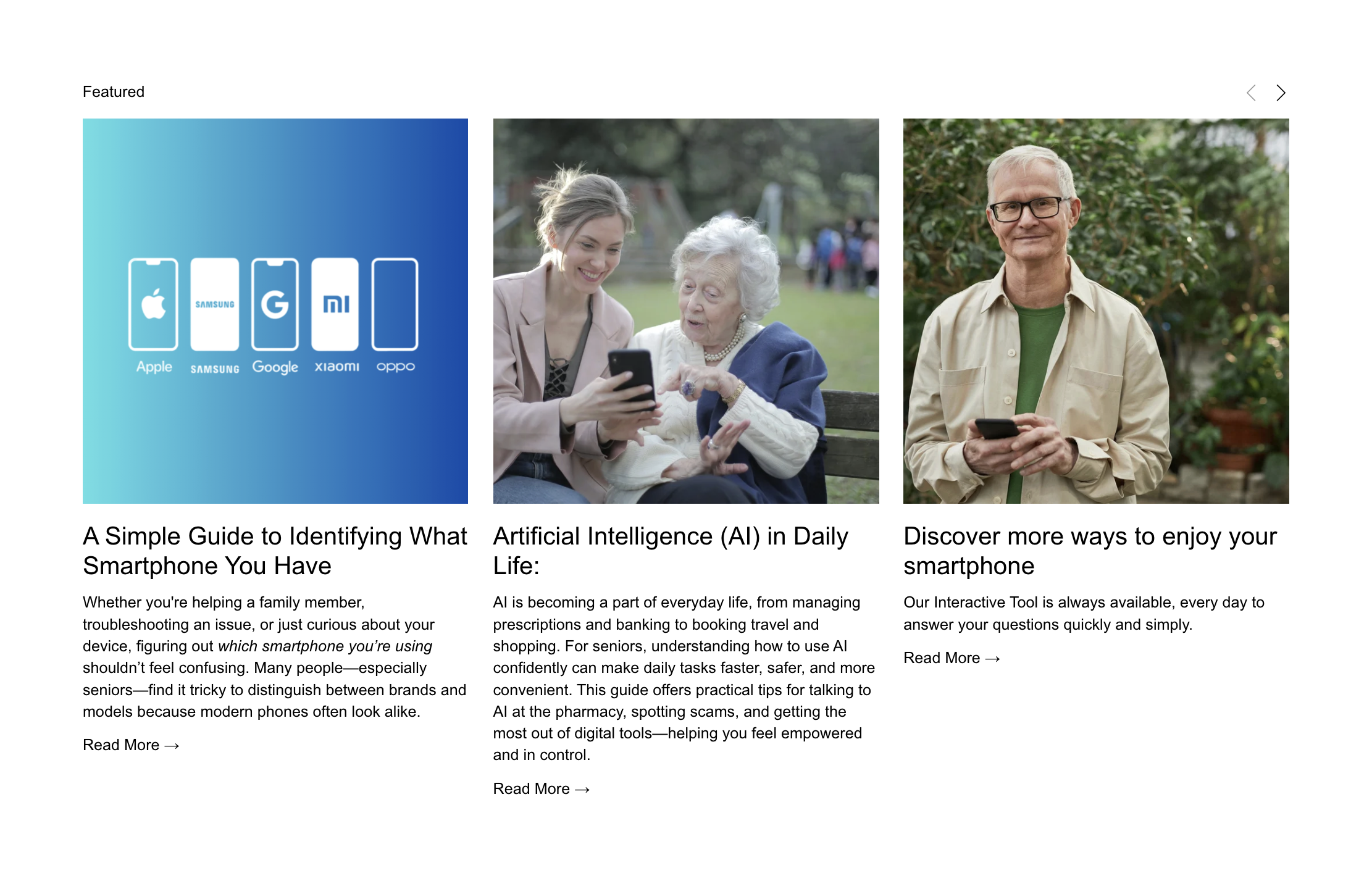
THE RAPID RISE OF SMARTPHONE SERVICES IN DAILY LIFE IS LEAVING SENIORS AT RISK OF BEING OVERLOOKED.
▹
THE RAPID RISE OF SMARTPHONE SERVICES IN DAILY LIFE IS LEAVING SENIORS AT RISK OF BEING OVERLOOKED. ▹